


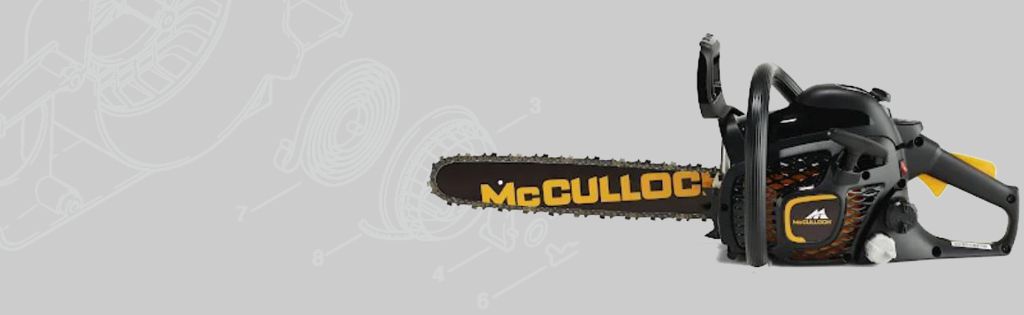
How to Change a Flywheel on a McCulloch Mac 338 Chainsaw
In this video, we show you how to change the Flywheel on a McCulloch Mac 338 Chainsaw.
Health & Safety Warning - Please ensure that you have safely prepared the machine and workspace. If you are unsure about any aspect of the task please seek professional advice.
Transcript
Today we're going to replace the flywheel on a McCulloch Mac 338 Chainsaw. Firstly, remove the top cover using a flat screwdriver and remove the 3 screws. You can now remove the spark plug using a torx. Disconnect the side cover that encloses the flywheel by unscrewing the 4 screws. Place a piston stop into the cylinder. Then remove the nut and washer from the flywheel using a 13mm socket. Then place the flywheel puller onto the flywheel and tap to shock the flywheel. Remove the flywheel. Now place the new flywheel into position, making sure it slots in correctly. Place the washer and the nut back and secure with the 13mm socket. Remove the piston stop. Replace the spark plug and the boot. Now secure the starter housing. Then attach the top cover, fixing with the screws. That's how you replace the flywheel on a McCulloch Mac 338 Chainsaw.
Parts
Parts and tools included in the McCulloch Mac 338 how-to video.
- Flywheel Puller - 5910 893 0801
- Copper Hammers - Copper Hammer
- Piston Stop - 350 103
- SL25 Socket Set of 25 Metric 1/4in Drive - Bahco SL25 - BAHSL25