


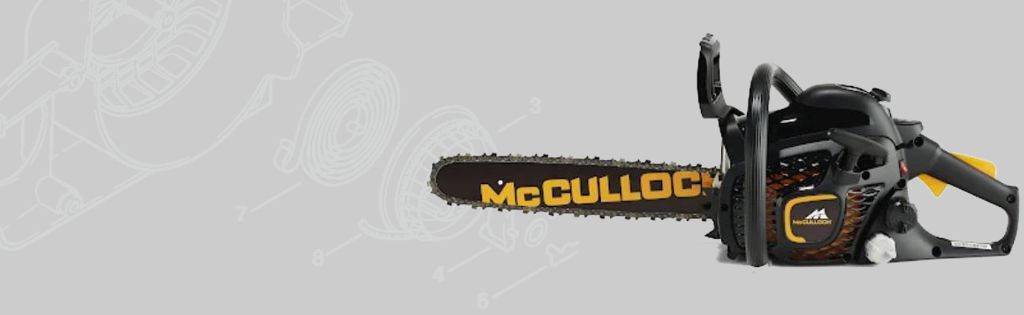
How to Change the Chain & Bar on a McCulloch Mac 338 Chainsaw
In this video, we show you how to change the Chain & Bar on a McCulloch Mac 338 Chainsaw.
Health & Safety Warning - Please ensure that you have safely prepared the machine and workspace. If you are unsure about any aspect of the task please seek professional advice.
Transcript
Today we're going to replace the chain and bar on a McCulloch Mac 338 Chainsaw. Firstly remove the spark plug cap during assembly to prevent an accidental start. Set your chain break to lock into position. Untighten the two nuts. This chain has been sharpened many times, and now needs replacing. Loosen the tension of the chain by turning the adjustable screw anticlockwise. When the chain is slack, remove the two nuts to release the clutch cover . Wear appropriate ppe when removing the chain and the bar. Place the new bar into position and push backwards so that it engages with the drive unit. When placing the chain back, make sure that the sharp edge is facing forward on the top side of the chain. Lift the saw chain above the drive sprocket and engage it in the groove on the guide bar. Start on the top edge of the guide bar. When the chain is on, place the clutch cover back. Then loosely secure the two nuts. Tighten the chain tension with the adjustable screw. You should be able to lift the chain above the bar by 1cm and check that it runs easily. Then secure the two nuts. That's how you replace the chain and bar on a McCulloch Mac 338 Chainsaw.
Parts
Parts and tools included in the McCulloch Mac 338 how-to video.
- Bar - 577 61 43 26
- Chain - 577 61 51 22
- SL25 Socket Set of 25 Metric 1/4in Drive - BAHSL25